

Content:
Adding products in WooCommerce is simple and essential for running your online store.
This guide will help beginners understand the process step by step.
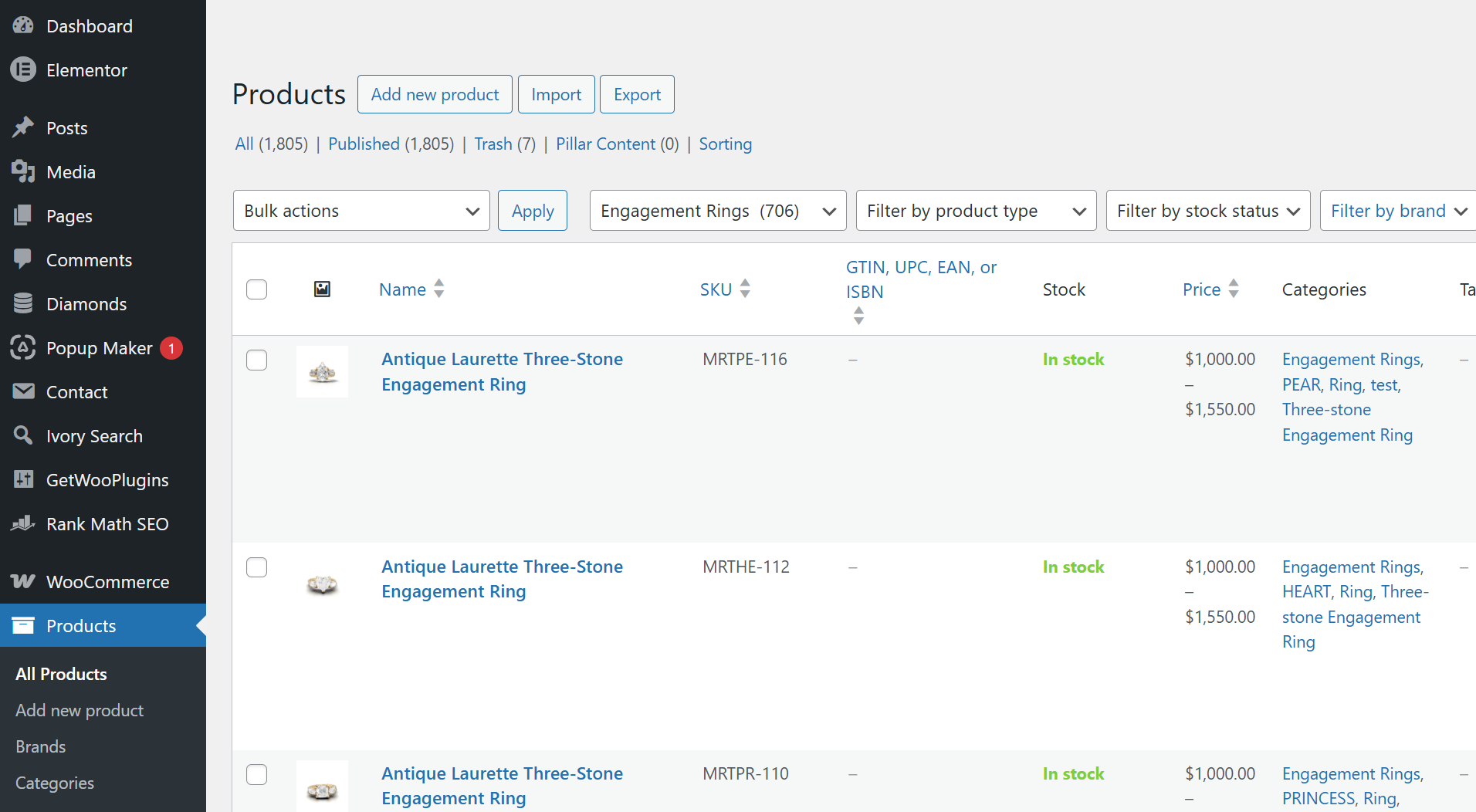
Step 1: Go to Products
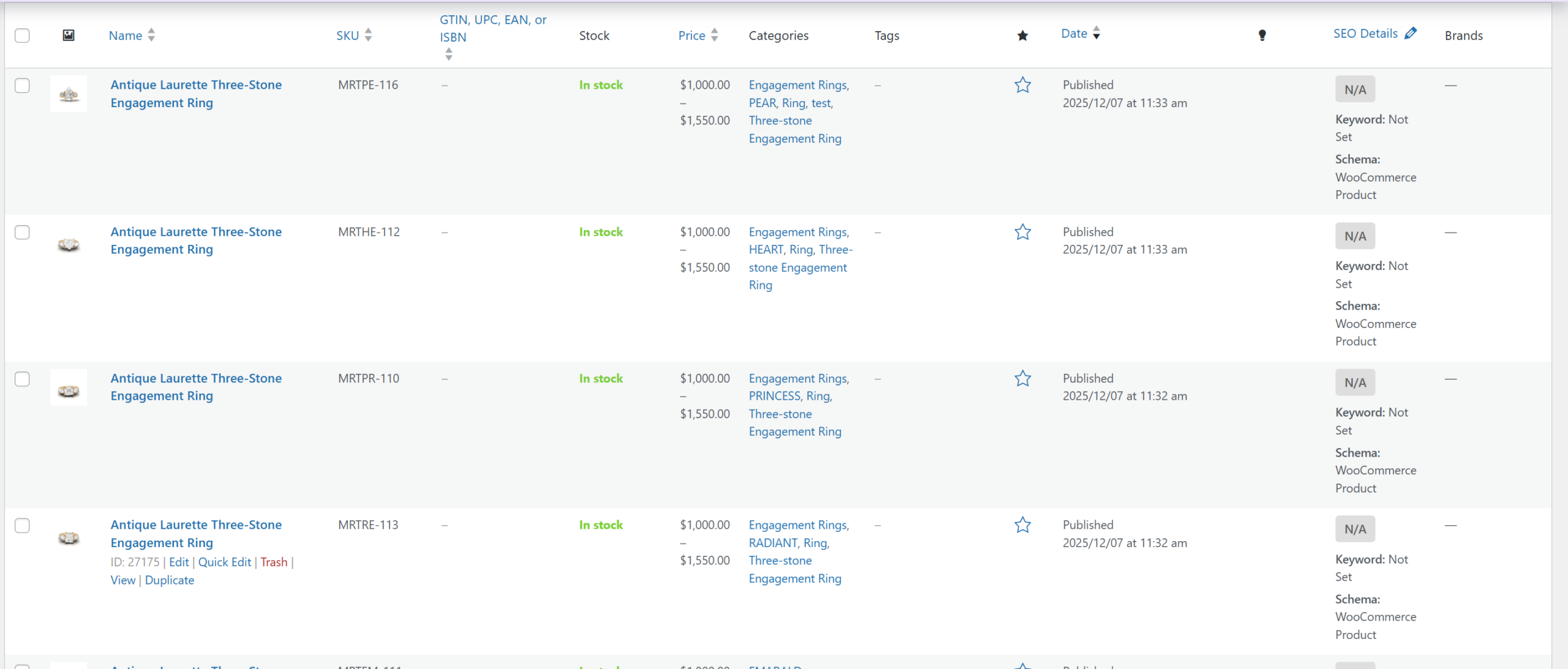
In your WordPress dashboard, go to Products → Add New.
Step 2: Add Product Title
Enter the name of your product clearly.
Step 3: Add Description
Write a detailed description of your product.
Step 4: Set Price
Add regular price and sale price if needed.
Step 5: Add Images
Upload product images to attract customers.
Step 6: Publish
Click publish to make your product live.
Final Thoughts
Adding products correctly helps improve sales and user experience.
Make sure all details are accurate and complete.