

How to Bulk Update Prices in WooCommerce (Step-by-Step Guide)
- March 22, 2026
Update prices by category, percentage or fixed amount — instantly
Update prices for specific product categories instantly.
Increase or decrease prices by percentage or fixed amount.
Check how many products will be affected before updating.
Works perfectly with variable and simple products.
No data loss. Works with WooCommerce standards.
Bulk update thousands of products in seconds.
Managing product prices in a WooCommerce store can become challenging, especially when you have a large number of products. The WooCommerce Bulk Price Update Plugin simplifies this process by allowing store owners to update multiple product prices at once without any manual effort.
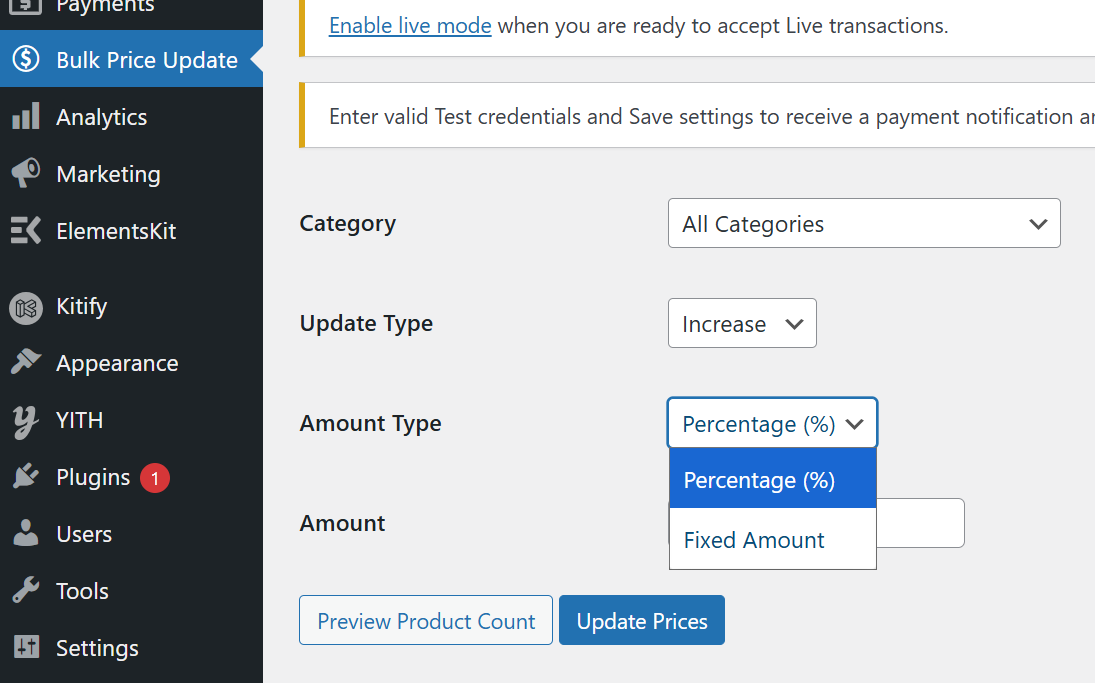
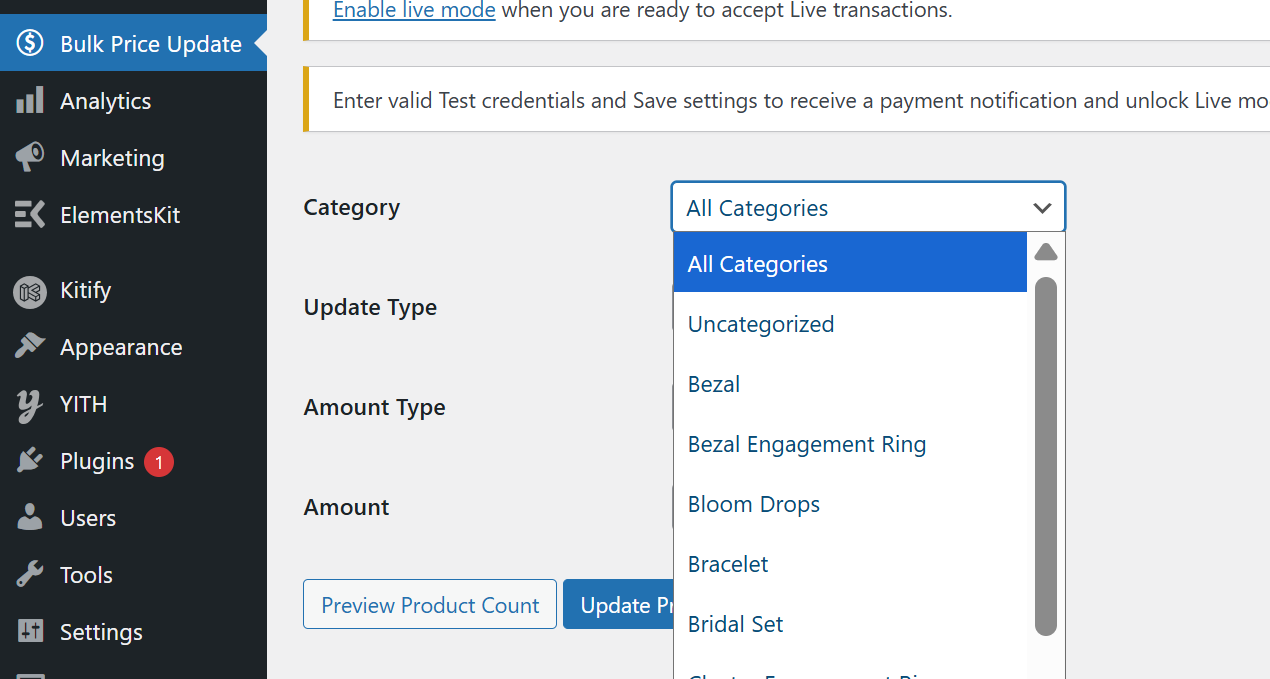
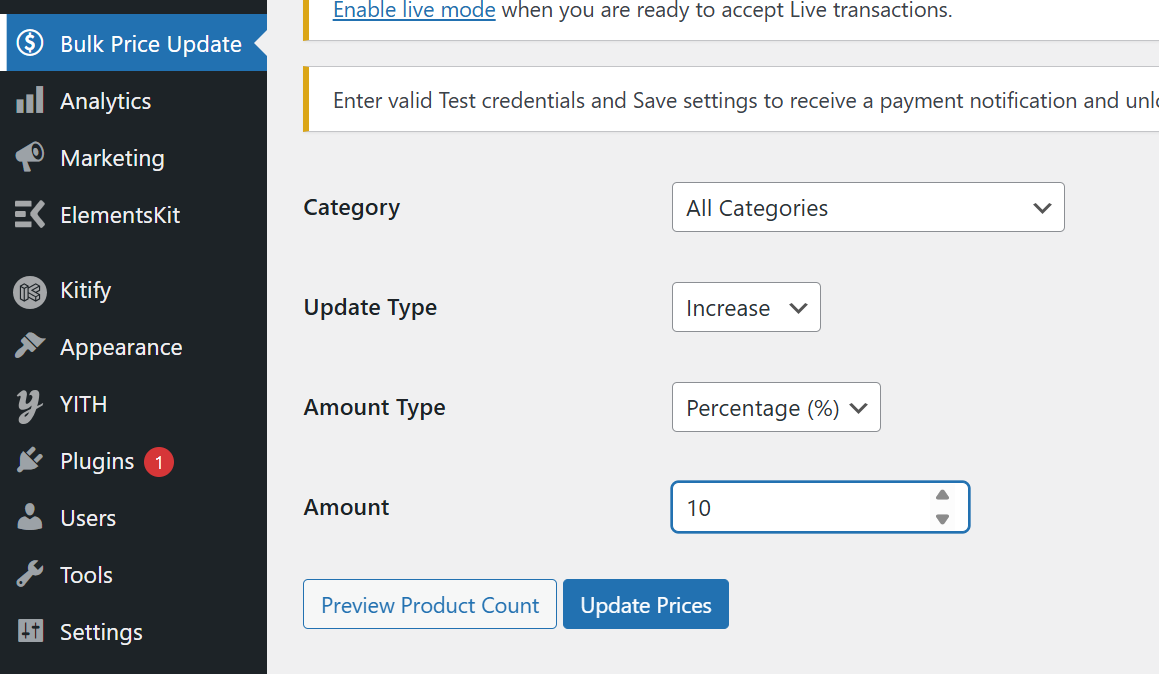
The plugin works through a simple and intuitive interface inside your WordPress dashboard. Once installed, you can select specific product categories, define how you want to update the prices, and apply changes instantly across all selected products.
Instead of editing each product individually, this plugin lets you perform bulk operations in just a few clicks. Whether you want to increase prices for a category or apply discounts during sales, the process is fast and efficient.
Additionally, the plugin includes a preview feature that shows how many products will be affected before applying changes. This ensures better control and accuracy while updating prices.
This plugin is ideal for store owners who frequently update pricing based on seasonal sales, supplier changes, or market demand. It helps reduce manual work and improves overall store management efficiency.
Yes, select All Categories to update prices for all products.
Yes, the plugin automatically updates all variations of variable products.
Yes, use the Preview Product Count button to see how many products will be affected.
Yes, both regular and sale prices are updated if available.
No, the plugin ensures that prices never go below zero.
Yes, the plugin follows WooCommerce standards and updates prices safely
No, the plugin is designed for easy use without any technical skills.
Update your product prices in seconds with a simple and powerful tool.